
Clipping Path Services for Precise Image Cutouts
We offer handmade clipping paths that deliver smooth, clean edges—no matter how busy the background. Our expert touch ensures your product images look sharp, polished, and ready to shine across any platform.
Happy Clients
Completed Projects

Years of Experience
Services Include

Cutting Out an Image with Clipping Path: A Step-by-Step Guide
Removing backgrounds from images can be done in several ways, but our team of experts mainly uses clipping path and image masking methods for precise results. Allow us to introduce you to our techniques.
Basic Clipping Path:
We list some easy photos to work with here under the easy photo section: Easy photo Very easy due to the absence of anchor points or because they are just simple. where used simple clipping Path. This can include, but is not limited to, books, cups and mobile phones, which are generally less time-consuming to create files for.

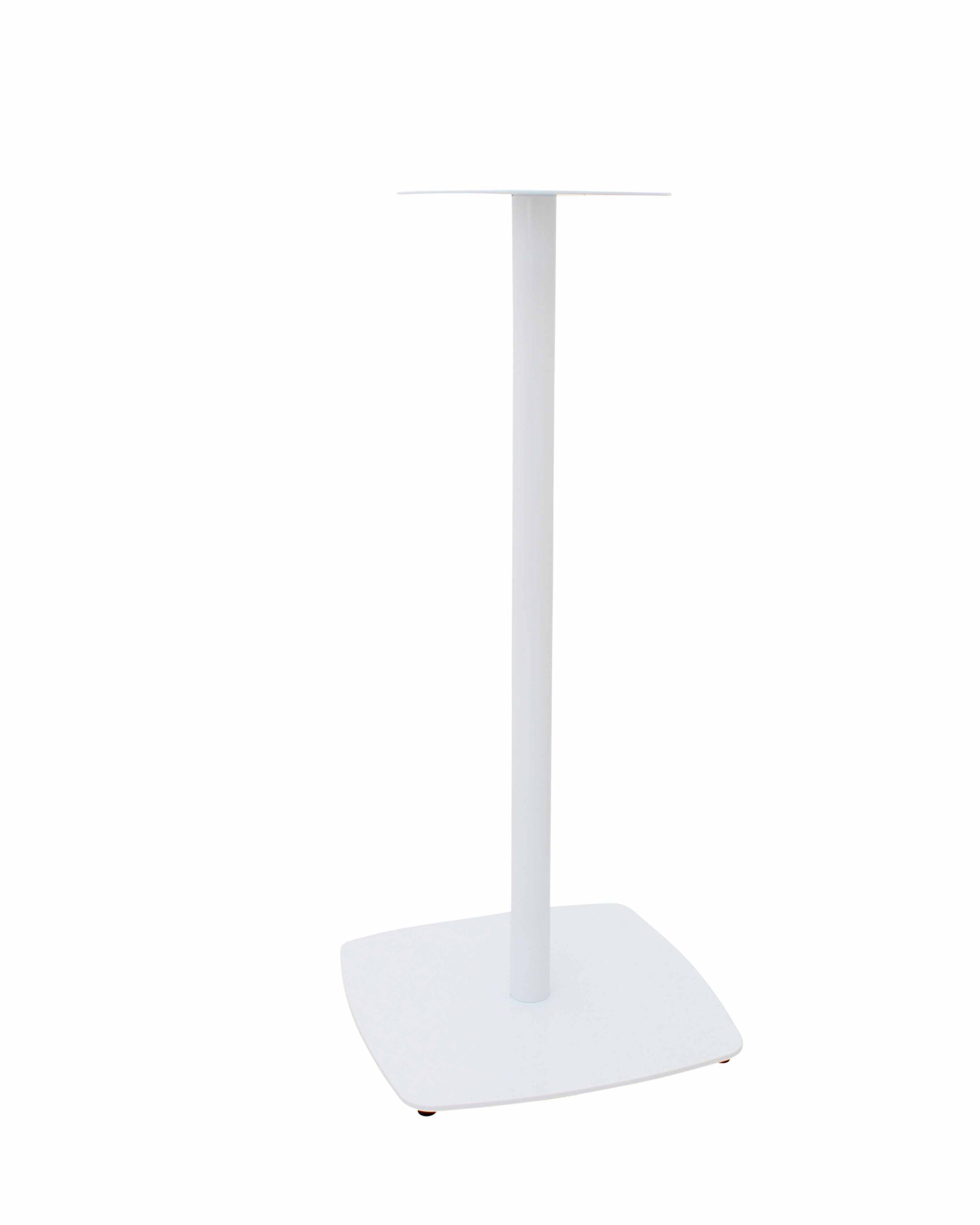

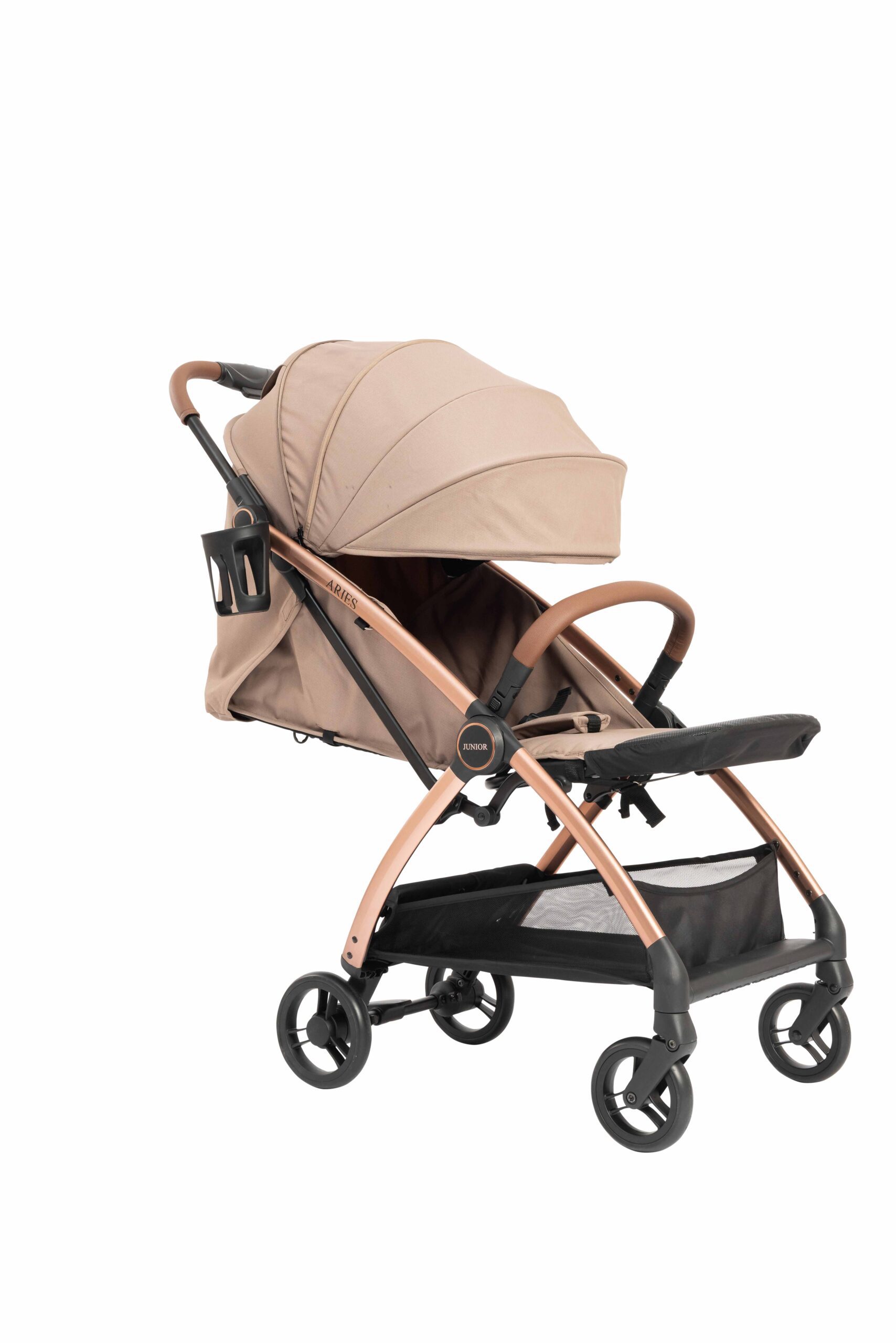
Standard Clipping Path:
Some images have holes and curves, which can take a bit more time to process. But these aren’t too complex either. We’ll also have to deal with items like shirts, pants, gear, bracelets, and other products that might take a bit longer to process.
Complex Clipping Path:
If there are many curves and holes, and the shape is complex and design is complex, it could be very time-consuming. We count this as complex, but don’t worry, our expert editors will do it flawlessly with hand-drawn clipping paths. This category includes trees, necklaces, chains, chandeliers, buildings, and so on.

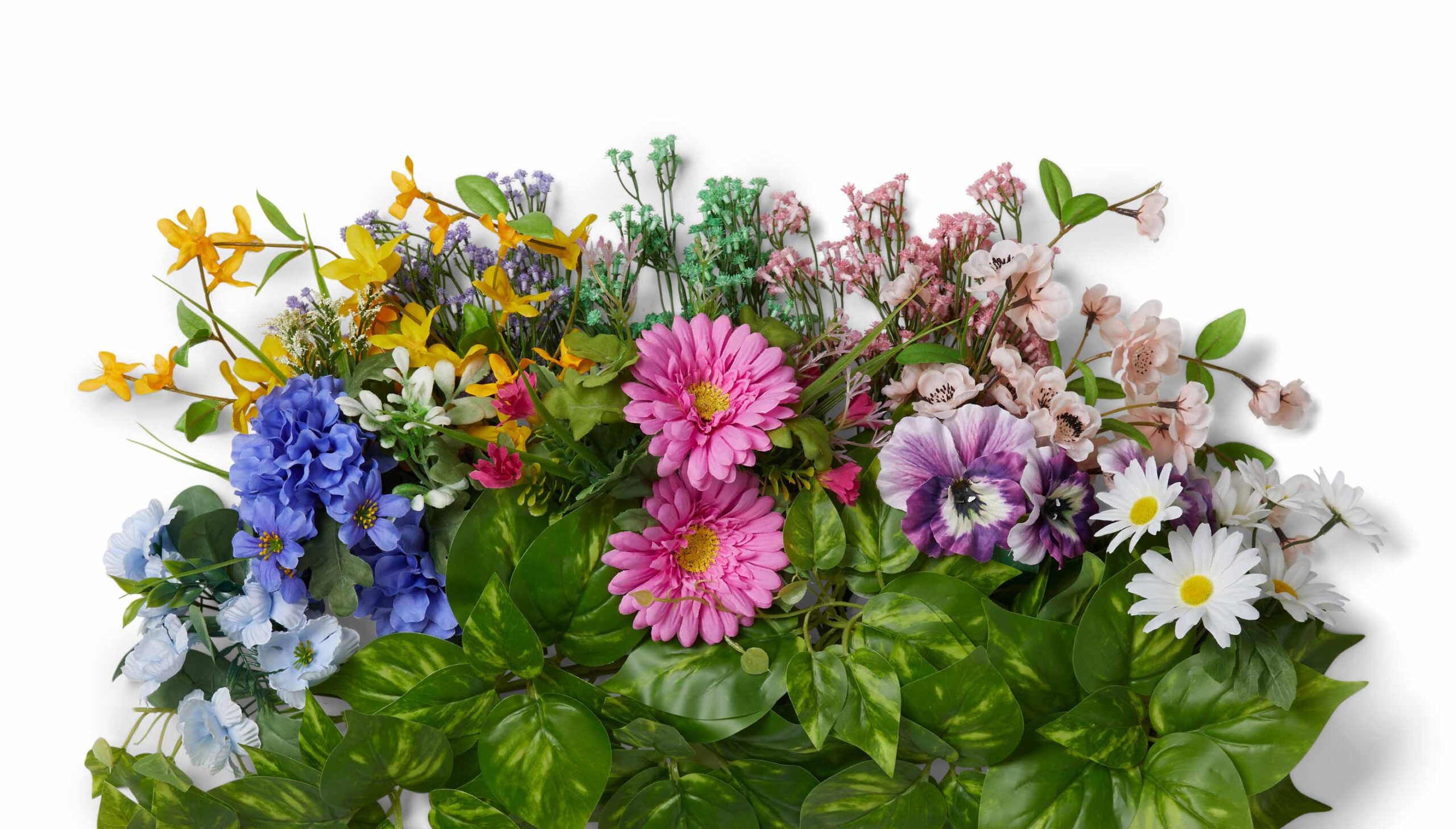
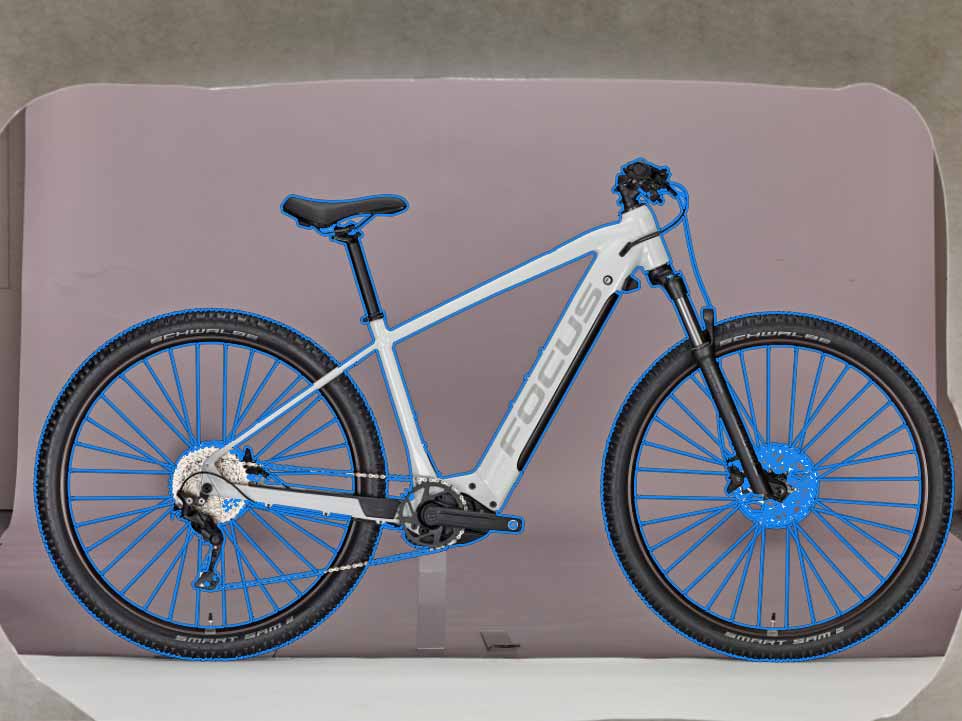
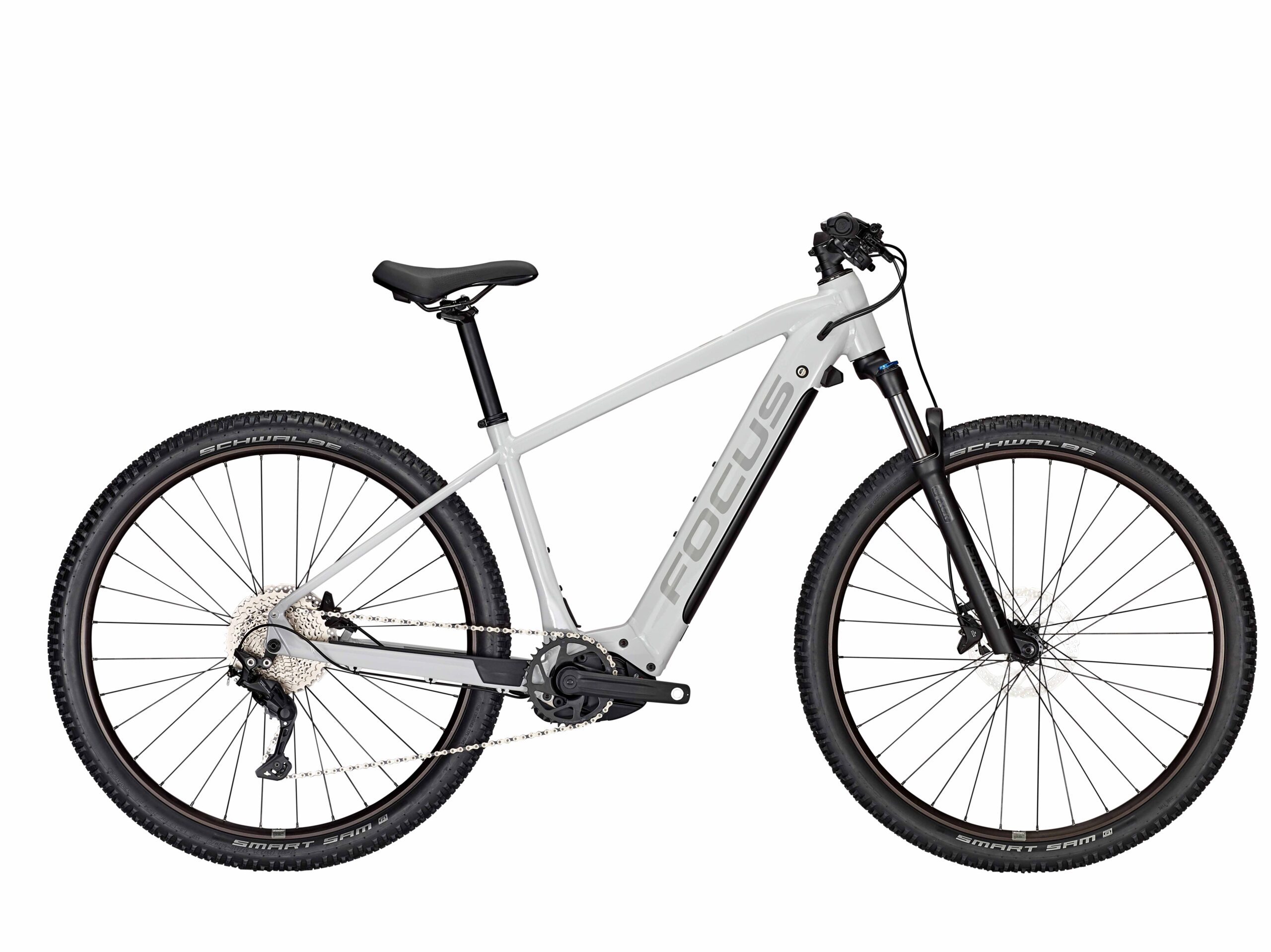
Super Complex Clipping Path:
Some pictures have lots and lots of points, this leaves lots of holes, and is very time consuming. And here is where super complex clipping paths figures in. This includes items like bicycles, motorcycles, group model, set of jewels, and food collection etc. But that is really cumbersome because of the complexity.
The Art of Clipping Path
A showcase of our finest edits — where every pixel is carefully refined for perfection.
Using the hand drawing Photoshop pen tool
Now, With the purpose to take the background of the picture, we are using clippings path technology. This is done by using the pen tool in photoshop (cutting out the image pixel by pixel basically) resulting in clean edges.
Experienced photo editors would carefully hand-draw clipping paths along the edges of the subjects. After the path is constructed, it’s easy to delete the background, and have a nice crisp edge.
It is used in photos which contain objects which have smooth edges or clear pointed edges such as tables, chairs, mannequins, bicycles etc. But we do focus on the very high quality, so – we upload every processed by clipping path.


Disclaimer: The before/after photos are used as a sample of services we offer. The actual price of displayed images might be higher than the mentioned Starting Price. For accurate prices, please Request a Quotet
Frequently Asked Questions (FAQs)
A: A clipping path (sometimes called “deep etch” or “vector cut-out”) is a closed vector path drawn around the subject in an image to isolate it from the background. After the path is applied, the part outside the path is removed (or the inside is preserved), so the subject stands clean against a different background or transparent space.
A:
- Images with clearly defined edges and good contrast.
- Objects that are solid and not too complex (no extremely fine details or hair/fur).
- Higher-resolution images help produce better and more precise paths.
- If the subject is transparent, furry, or very fine (like hair), masking or special edge refinement may be more appropriate.
A:
- Accepted for upload: JPG, PNG, TIFF, PSD, RAW etc.
- Delivery options: Save in the same format you send unless you specify otherwise. Common delivery formats include PNG (transparent background), JPG (white or custom background), PSD/TIFF with layers or path data, etc. Let me know what works best for you.
A: It depends on several factors:
- Complexity of subject (simple object vs many curves vs hair/fur)
- Number of paths needed (single vs multiple)
- Quantity of images (bulk orders may get discounts)
- Turnaround time (urgent work may cost more)
- Required file format (if you need layered PSD/TIFF or specific formats)
A: Turnaround depends on number of images + complexity. Some examples:
- Simple images (one clipping path, clean edges): often within 12-24 hours.
- More complex or large batches: may take 24-48 hours or more.
- Urgent / priority orders are possible for a premium fee.
A: Yes. For large quantity orders, I offer discounted per-image rates. If you send me the number of images and the complexity level, I can quote a bulk price for you.
A: Customer satisfaction is important. If you are not happy with an image (for example, the edges aren’t clean, the path isn’t tight, or something doesn’t match your spec), I will revise it. Usually such revisions (within the scope of what was agreed) are free. If you add a new requirement beyond the original scope, there may be an extra charge.
A:
- For small batches, you can send via email or direct upload/link.
- For larger volumes, we can use cloud file services (Google Drive, Dropbox, WeTransfer) or provide you with an FTP account if needed.
- Make sure images are high resolution and not overly compressed to ensure best quality.
A: Usually, here’s what I need:
- Your images.
- What type of clipping path work you need (simple or multiple paths, fine edges, masking requirements, etc.).
- Desired background (transparent, white, any color, or replacement background).
- Required file format(s) for delivery.
- Preferred turnaround time (and whether it’s urgent).
From that I can give you a quote and estimated delivery time.
A: Yes — for new clients, I can provide 1-2 sample images so you can check my quality before committing to a larger order.
A: Your images are safe. I treat them confidentially. If needed, I can sign an NDA. I don’t use your images for any purpose outside your project without permission.
A: I accept payment via Wise,Payoneer,Bank Transfer Etc. Payment is usually due after I deliver the edited images (or as agreed). For ongoing or large projects, we can arrange milestone or periodic payment plans if you prefer.
A:
- Fully transparent background (PNG etc.)
- Solid color background (white, black, or custom color)
- Any custom background you supply (scene, texture etc.)
- I can also add drop shadows or reflections if you need more styling.
Need Accurate Pricing? Send Us a Quote Request
We Usually Reply Within 30 Minutes
By submitting Quote you are automatically agreeing with our Terms and Conditions and Privacy Policy

